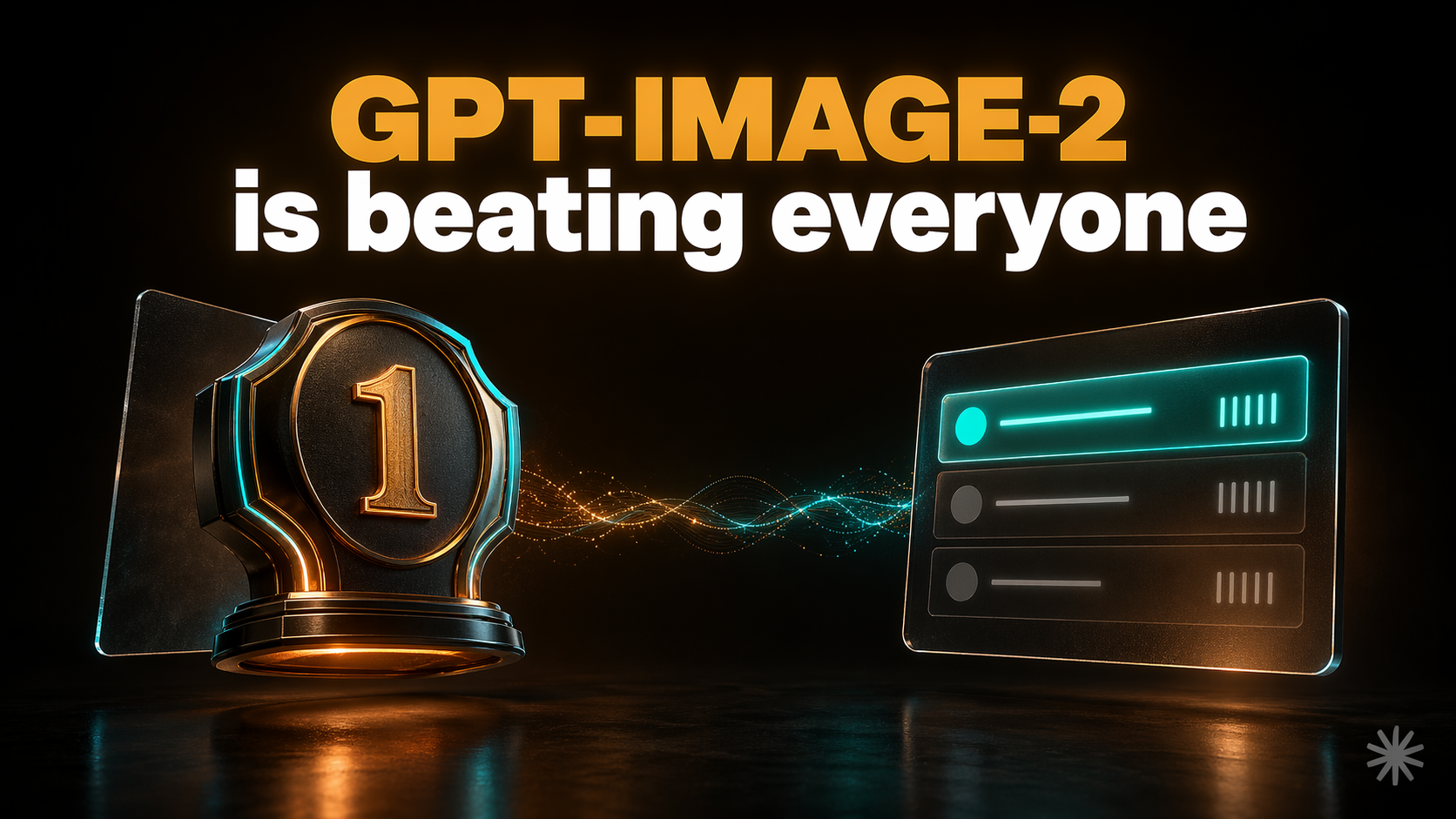
GPT-Image-2, OpenAI’s new image generating model, just launched — and it’s already turning heads across the AI world. X (Twitter) has been flooded with reactions from designers, developers, and creators who can’t stop sharing what it produces. Within 12 hours of going live, it claimed #1 across every single category on the Image Arena leaderboard — with a +242 Elo lead over the nearest competitor, the largest gap ever recorded on that benchmark.
The reason for the excitement: it fixes the one thing every AI image generator has always failed at. Ask any model to put text on an image and you get scrambled letters and nonsense that looks right until you zoom in. GPT-Image-2 renders text at 99% accuracy — on slides, infographics, product packaging, UI mockups, and even working QR codes. It’s live now in ChatGPT for Plus subscribers, with the API opening in early May 2026.
Before we dive in — if you want to become a Claude Code pro and build any project from scratch with zero coding experience, check out the vibe.lab vibecoding course. It covers everything from first install to shipping production-ready apps.
What GPT-Image-2 can actually generate
The list is longer than you’d expect. Infographics with accurate data labels and small text. Presentation slides — a single prompt like “design a 4-slide deck explaining how solar panels work” produces four coherent slides with consistent design language. UI mockups and wireframes. Product photography with correct text on packaging and labels. Maps. Magazine layouts. Comics and page-long manga strips from a single source image. And functioning QR codes — not QR-shaped patterns that don’t scan, but codes that actually work.
That last one is worth dwelling on. Every previous image model produced QR codes that looked right but encoded nothing. GPT-Image-2’s thinking mode computes the encoding before drawing. It reasons about what the output needs to be, then generates it. The result scans.
Real teams are already using it. Figma integrated it to let designers generate and edit images directly on the canvas. Canva, Adobe Firefly, and fal.ai all announced integrations on launch day. GoDaddy is using it for logos and custom typography. HubSpot for marketing materials.
Why the text rendering is a big deal
Text in images has been the hard problem for AI image generators since the beginning. GPT-Image-2 scored a +316 Elo improvement in the Text Rendering sub-category over its predecessor — the largest single-category gain in the benchmark. Independent testing puts typography accuracy at 99%, including small text, kerning, and visual hierarchy across dense compositions.
It handles non-Latin scripts at production quality for the first time: Japanese, Korean, Chinese, Hindi, Arabic, Hebrew. Previous models either refused or produced decorative noise that looked like the alphabet it was imitating.
The practical implication is simple. You can now generate a social media graphic with accurate text, a product label that spells things correctly, or an infographic with readable data — without touching a design tool afterward to fix the words.
That said, thinking mode is required for the most accurate text rendering on complex layouts. Standard generation is faster but occasionally drifts on dense compositions. Worth knowing before you budget for API calls.
How to try it and what it costs
ChatGPT: If you have a Plus subscription ($20/month), you have access now at chat.openai.com. Thinking mode — the version that reasons before generating and can search the web during that process — requires Plus, Pro, Business, or Enterprise.
API: Opens in early May 2026. Pricing per image at 1024×1024:
- Low quality: ~$0.006/image
- Medium quality: ~$0.053/image
- High quality: ~$0.211/image
Thinking mode bills reasoning tokens separately on top of image output tokens. A complex infographic with a strict layout brief costs meaningfully more than a loose illustration prompt. There’s no flat rate — budget for variable cost.
One thing worth knowing: DALL-E 2 and DALL-E 3 retire on May 12, 2026. GPT-Image-2 becomes the default. If anything in your current stack calls the old models, you have until mid-May to migrate.
How it compares to Midjourney and Adobe Firefly
GPT-Image-2 hit #1 on every Image Arena leaderboard within 12 hours of launch. The scores: 1,512 on text-to-image, 1,513 on single-image edit, 1,464 on multi-image edit. The lead over the second-place model on text-to-image is +242 Elo — Arena described it as “the largest gap between #1 and #2 ever recorded.”
For text-heavy design work — infographics, slides, UI mockups, product packaging — nothing currently competes with it. If your output needs accurate words in it, GPT-Image-2 is the only real option right now.
Midjourney V8 still wins on aesthetic art direction and visual polish for pure artistic work. Its user base is artists, and that’s not going to shift. Adobe Firefly leads on precision editing — inpainting and outpainting with mask control for production workflows where you need to change a specific part of an existing image without touching the rest. Flux Kontext is still faster for editing tasks specifically.
The honest summary: GPT-Image-2 is the best all-around model for design and developer workflows. It doesn’t unseat every competitor in every category. But for anyone creating content, graphics, or prototyping UI with AI tools, it just became the default starting point.