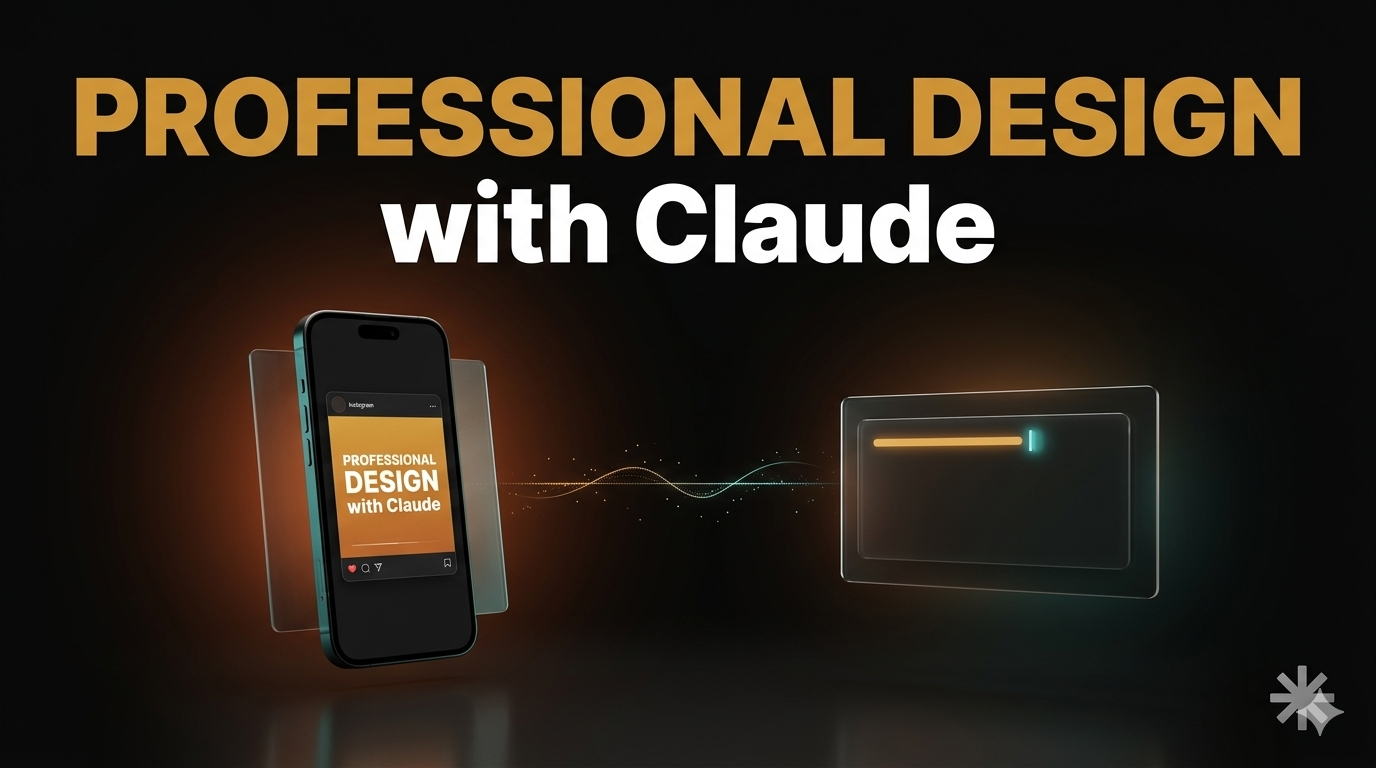
Anthropic just released Claude Design — and for anyone who ever wanted a professional-looking Instagram post, a YouTube thumbnail, or a clean app screen but had no idea where to start, this is it. You describe what you want in plain language and Claude builds it: social media posts, TikTok slideshows, YouTube thumbnails, website layouts, app screens. No design skills. No expensive software. Just a Claude subscription and a sentence about what you want built. This article shows you what’s actually possible and how to get your first design out in minutes.
You need at least a Pro plan ($20/month) — Claude Design isn’t on the free tier. It runs at claude.ai/design.
Before we dive in — if you want to become a Claude Code pro and build any project from scratch with zero coding experience, check out the vibe.lab vibecoding course. It covers everything from first install to shipping production-ready apps.
What you can actually build with Claude Design
Instagram graphics, YouTube thumbnails, TikTok backgrounds, cover images. That’s what most people come here wanting to make — and Claude Design handles all of it. But the scope goes further: product wireframes, pitch decks, landing page mockups, and interactive prototypes. You describe what you want, it builds it.
The more interesting category is code-powered prototypes. Voice interactions, video players, 3D elements, embedded AI features — all buildable through conversation. You describe the behavior, Claude Design builds a working prototype, not a screenshot of one.
Real teams are already using it this way. Datadog reported going “from rough idea to working prototype before anyone leaves the room.” Brilliant called the ability to turn static designs into interactive prototypes transformative for their workflow. These are companies that previously needed a designer and two days of Figma work to get to the same place.
There’s a limit worth naming: Claude Design is not a production-ready design system. It won’t manage design tokens at scale or become the single source of truth for a large component library. For getting from nothing to a shareable, exportable artifact in under an hour, it’s the fastest option available right now.
How Claude Design reads your brand automatically
During onboarding, Claude Design analyzes your codebase and uploaded design files — DOCX, PPTX, XLSX are all accepted — to extract your colors, typography, and existing components. It applies them automatically. You don’t re-specify hex codes each session.
Start from a text prompt, a pasted document, a codebase reference, or the built-in web capture tool. Refinement happens through inline commenting and direct editing: click an element, describe the change, done. Spacing, layout, and color are all adjustable mid-session without starting over.
Collaboration is built in. Share a link with view-only access, or open a multi-user Claude conversation where several people can give feedback simultaneously. Export options cover Canva, PDF, PPTX, and standalone HTML. The Canva integration is full two-way: Canva’s team described it as making it straightforward for people to move drafts between both tools without losing the work.
Claude Design vs Claude Code: which one should you use?
Claude Design produces visual artifacts — things you look at. Claude Code produces functional artifacts — things that run.
Different jobs.
They connect. When you finish a design, you can package it into a handoff bundle: a structured file Claude Code reads to understand what it’s building next. Claude Code can also use your computer directly to implement and test what it builds — so the loop from first design sketch to running app is now genuinely tight.
If you’re starting a new project, design the idea in Claude Design first, then pass the handoff bundle to Claude Code. If you already have a working app and need to present a new feature or prototype an extension, use Claude Design without touching the codebase. They’re complementary, not competing. If you want to understand where all of this sits in the bigger picture, What Is Vibecoding? covers the full context.
How to get started with Claude Design today
Go to claude.ai/design. A Pro subscription ($20/month) or above is required — Claude Design isn’t on the free tier. Enterprise users enable it through Organization settings.
First session: describe your project in plain language. A useful opening prompt: “Build a landing page for [your product]. Dark background, primary color #[your hex]. Hero section with a headline, three feature bullets, and a call-to-action button.” Claude will ask about your brand if you haven’t connected a codebase or uploaded design files yet.
Use inline comments to adjust. Export when it’s ready.
The research preview label is accurate: complex layouts occasionally need several rounds of correction, and interactive prototypes with 3D or AI features require more specific prompting to land. Start with a slide deck or a simple wireframe to understand how it thinks before pushing into advanced territory.