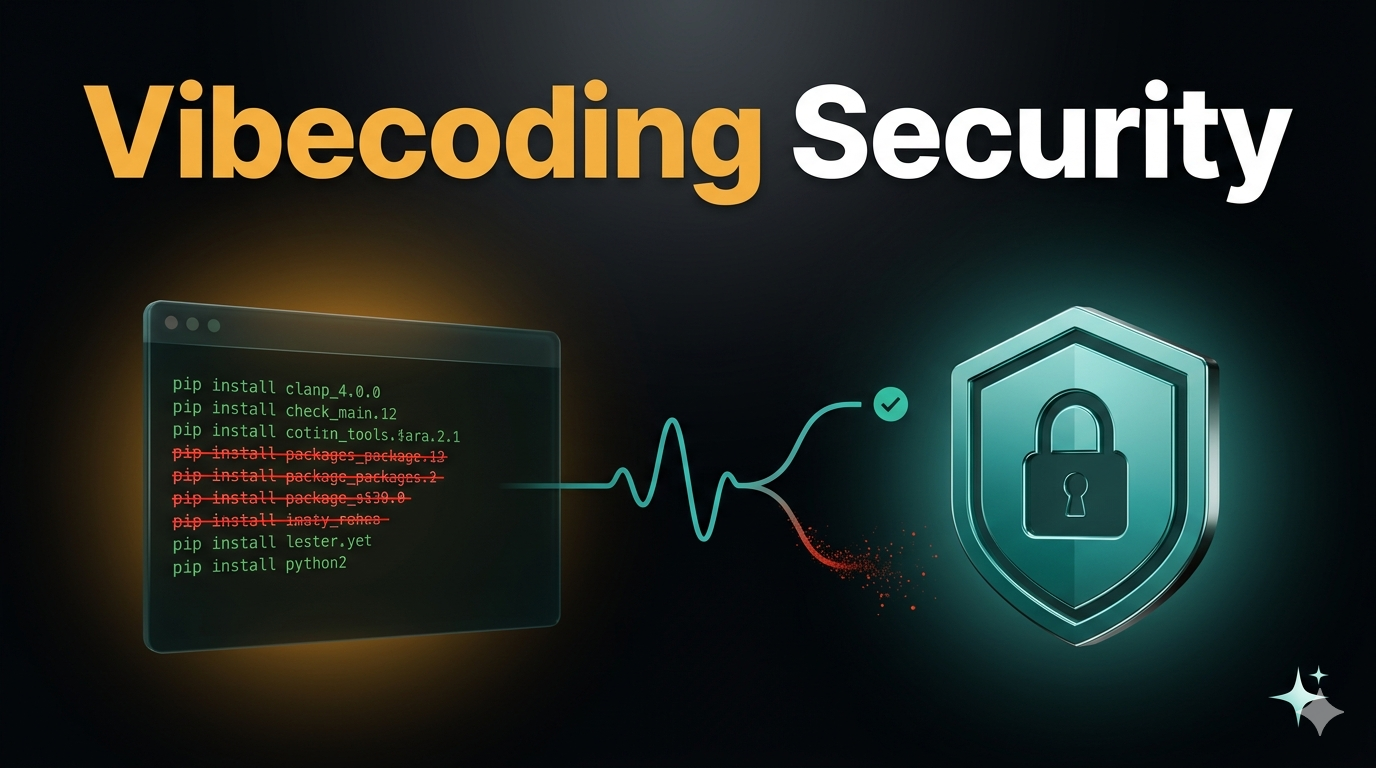
You prompted Claude. It gave you a clean Python script. You ran pip install on the dependencies it suggested. One of those packages didn’t exist on PyPI two weeks ago — but it does now, uploaded by someone who knew your AI would hallucinate that exact name.
Welcome to slopsquatting — the supply chain attack that was practically designed for vibe coders. And if the name sounds absurd, the damage is anything but.
Before we dive in — if you want to become a Claude Code pro and build any project from scratch with zero coding experience, check out the vibe.lab vibecoding course. It covers everything from first install to shipping production-ready apps.
What Actually Happened in March 2026
Two things converged this month that every vibe coder needs to understand. Both are real. Both are ongoing.
The LiteLLM Supply Chain Attack
On March 24, a threat group called TeamPCP published backdoored versions of litellm (versions 1.82.7 and 1.82.8) directly to PyPI. LiteLLM is everywhere — present in roughly 36% of cloud environments according to Wiz, with 3 million daily downloads.
The attack chain was surgical:
- TeamPCP first compromised Trivy (a popular security scanner) on March 19
- Then hit Checkmarx’s KICS GitHub Action on March 23
- Used the compromised CI/CD pipeline to steal LiteLLM’s PyPI publish token
- Uploaded malicious versions containing a credential stealer — it encrypted your data and shipped it to
models.litellm.cloud(not an official domain)
The malicious packages were live for about three hours before PyPI quarantined them. Three hours. That’s enough time for automated pipelines to pull the update, and for vibe coders running pip install --upgrade to get owned.
Slopsquatting: The Attack AI Built
Here’s the one that should really keep you up at night.
Researchers found that roughly 20% of packages recommended by AI models don’t actually exist. These aren’t random strings — they’re plausible-sounding names that follow real naming conventions. Think flask-restful-auth or huggingface-cli (that last one got 30,000+ downloads in three months).
The kicker? When researchers re-ran the same prompts ten times, 58% of hallucinated packages appeared more than once. That means attackers can predict which fake names an AI will suggest, register those names on npm or PyPI, and stuff them with malware.
The attack flow:
- Attacker identifies package names that LLMs consistently hallucinate
- Registers those packages on npm, PyPI, or RubyGems with malicious code
- Waits for vibe coders to prompt their AI, get the suggestion, and blindly install
You’ve probably done step 3. Most of us have.
Why Vibe Coders Are the Perfect Target
Traditional developers have muscle memory around dependency management — they know their ecosystem’s popular packages, they read changelogs, they pin versions. Vibe coders often skip all of that. Not out of carelessness, but because the AI feels authoritative and the pace is fast.
Here’s what makes the attack surface wide open:
We trust AI output implicitly. When Claude or GPT-4 suggests pip install some-package, we run it. The AI sounds confident. The package name sounds real. We’re in flow state. We don’t stop to check if the package existed before last Tuesday.
We copy-paste install commands. Be honest — how often do you actually go to PyPI or npm and verify a package before installing it? If the AI said it, it must be a thing, right?
We skip dependency auditing. When you’re vibe coding a prototype, running npm audit or checking your lockfile feels like overkill. Until it doesn’t.
We use unpinned dependencies. Most AI-generated requirements.txt files don’t pin versions. That means a compromised update slides right in on your next install — no action required from you.
The UK’s National Cyber Security Centre (NCSC) put out a warning this month: vibe coding with minimal human oversight poses significant security risks. CVE entries directly attributable to AI-generated code jumped from 6 in January to 15 in February to 35 in March 2026. That’s not a blip — that’s a trend.
A Practical Defense Playbook
Enough doom. Here’s what you can actually do, ordered from “takes 10 seconds” to “proper setup.”
1. Verify Before You Install (The 10-Second Check)
Before running any pip install or npm install command from AI output:
# For Python packages — check if it exists and who maintains it
pip index versions some-package

# For npm packages
npm view some-package
What to look for when you hit the package page directly on pypi.org or npmjs.com:
- Does the package actually exist?
- How many downloads does it have? A legitimate utility typically has thousands+
- When was it first published? Created last week with a generic-sounding name is a red flag
- Who’s the maintainer? Is there a linked GitHub repo with real commit history?
Pro tip: If an AI suggests a package you’ve never heard of, ask the AI itself: “Is some-package a real, well-known package? What’s its GitHub repo?” Then actually check that repo exists. AIs will sometimes correct themselves when challenged directly.
2. Pin Your Dependencies (Always)
Never let AI generate an unpinned requirements.txt. Instead:
# Bad (what AI usually generates)
flask
requests
litellm

# Good (what you should have)
flask==3.1.0
requests==2.32.3
litellm==1.82.6
For npm, generate a lockfile and commit it:
npm install --package-lock-only
git add package-lock.json
Use pip freeze > requirements.txt after you’ve verified everything works and is clean. For new projects, pip-compile from pip-tools resolves and pins the entire dependency tree — not just the top-level packages, but every transitive dependency too.
3. Run Security Scans in Your Workflow
Add this to your routine before pushing any vibe-coded project:
# Python — pip-audit is the modern standard
pip install pip-audit
pip-audit

# npm
npm audit

# Cross-ecosystem — osv-scanner from Google
osv-scanner --lockfile=requirements.txt
Set up a pre-commit hook that runs these automatically. You’ll forget to run them manually — so don’t rely on memory:
# .pre-commit-config.yaml
repos:
  - repo: https://github.com/pypa/pip-audit
    rev: v2.7.3
    hooks:
      - id: pip-audit
        args: ["-r", "requirements.txt"]
Automate it once, and it protects every future commit without a second thought.
4. Isolate AI-Generated Code
Never run AI-suggested install commands in your main environment. Use a throwaway virtualenv first:
# Create an isolated test environment
python -m venv .venv-test
source .venv-test/bin/activate

# Install and inspect before promoting to your real project
pip install some-ai-suggested-package
pip show some-ai-suggested-package
python -c "import some_package; print(dir(some_package))"

# If it looks good, add to your real requirements
# If not: deactivate && rm -rf .venv-test
For maximum paranoia — which is appropriate here — run AI-suggested installs inside a Docker container. If the package does something malicious, it can’t touch your host machine.
5. Audit Your Existing Projects Right Now
If you’ve been vibe coding without these precautions, check what you already have:
# Check for the compromised LiteLLM versions specifically
pip show litellm 2>/dev/null && echo "LiteLLM found — check the version!"

# Audit all your Python projects
find ~/projects -name "requirements.txt" -exec pip-audit -r {} \;

# For npm projects
find ~/projects -name "package.json" -not -path "*/node_modules/*" \
  -exec sh -c 'cd $(dirname {}) && npm audit 2>/dev/null' \;
If you find litellm version 1.82.7 or 1.82.8 anywhere — rotate every credential on that machine immediately. Treat it as fully compromised.
6. Configure Your AI for Safety
A few settings that reduce hallucination risk without slowing you down:
- Use system prompts. When starting a vibe coding session, tell the AI: “Only suggest well-established packages with 1,000+ GitHub stars. If you’re unsure whether a package exists, say so explicitly.”
- Lower the temperature. If your AI tool exposes this setting, reduce it. Less creativity means fewer hallucinated package names.
- Cross-reference across models. If Claude suggests a package, ask GPT-4 (or vice versa). If only one model knows about it, treat that as a signal to verify manually.
This connects to something we’ve written about elsewhere — building prompts and system instructions that make the AI work safer from the start. For a deeper look at structuring those instructions, see our breakdown of what vibecoding actually is and how it works.
The Bigger Picture
The tooling will improve. Package registries will start flagging AI-hallucinated names, AI models will get better at only suggesting real packages, and CI/CD pipelines will add more guardrails. That’s coming.
But right now, in March 2026, the defense is on you. The good news is that it’s mostly just discipline — verify packages, pin versions, scan dependencies, isolate untrusted code. None of these steps are hard. They just need to become part of your vibe coding flow.
Because the irony of getting owned by the same AI you’re using to write code? That’s not a vibe.
If you want to check whether any of your projects are affected by the LiteLLM compromise specifically, run pip show litellm and verify your version is not 1.82.7 or 1.82.8. If it is — rotate every credential on that machine immediately.