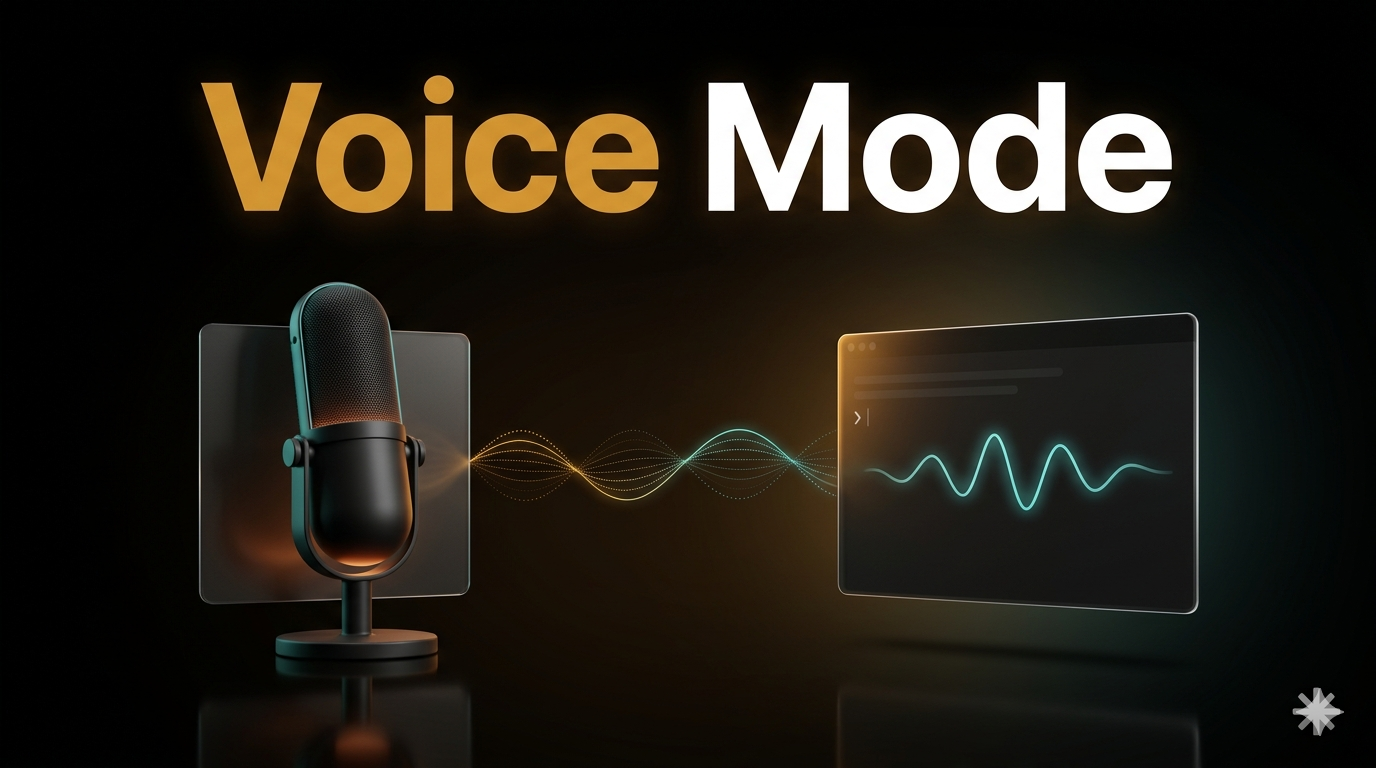
If you work with AI every day, a good voice-to-text tool is one of the highest-leverage things you can add to your workflow. Speaking is significantly faster than typing for longer prompts, feature descriptions, and architecture questions — and it keeps your hands free while you’re reading diffs or reviewing code. Most people pay $10–15 per month for dedicated apps like Superwhisper or Whisper-based tools to get this. Claude Code now has voice dictation built in — which means if you’re already on a Claude subscription, you can drop that third-party app entirely and save up to $15 a month. One command, /voice, and you’re speaking your prompts directly into the terminal.
Before we dive in — if you want to become a Claude Code pro and build any project from scratch with zero coding experience, check out the vibe.lab vibecoding course. It covers everything from first install to shipping production-ready apps.
What Is Claude Code Voice Mode?
Claude Code voice mode is a built-in push-to-talk dictation feature that transcribes your speech directly into the terminal prompt — no separate app, no clipboard paste. You hold Space, speak, release, and your words appear in the input field ready to send. It ships as part of Claude Code v2.1.69 and later, which means if you’ve updated recently, it’s already on your machine.
This isn’t a conversational voice interface like Siri or the Claude mobile app. It doesn’t speak back to you, and it doesn’t run a dialogue. It’s purely an input shortcut — a way to get your intent into the terminal faster when typing isn’t the most efficient path.
One detail worth knowing: Anthropic’s transcription engine is tuned specifically for coding vocabulary. Terms like regex, OAuth, JSON, and localhost come through correctly. Claude Code also automatically adds your current project name and git branch as recognition hints, so project-specific terms land more accurately from the start.
How Do You Enable Voice Mode in Claude Code?
Type /voice in the Claude Code interface. That’s the entire setup step.
You’ll see: Voice mode enabled. Hold Space to record. Dictation language: en (/config to change).
From there, hold Space to record and release to finalize. The transcript appears dimmed while you’re recording, then locks in when you let go. Send it like any other prompt.
What you need before it works:
- Claude Code v2.1.69 or later — run
claude --versionto check - Signed in with a Claude.ai account — not a raw API key, Amazon Bedrock, or Google Vertex setup
- Pro, Max, Team, or Enterprise plan (free-tier availability is not confirmed by Anthropic)
- Microphone access on your machine
- Does not work over SSH or in the web version of Claude Code
On Linux/WSL, voice requires WSLg — included in WSL2 on Windows 11. If you’re on Windows 10 or WSL1, run Claude Code natively in Windows instead.
Fix the startup delay. Out of the box, there’s a ~500ms warmup before recording actually starts. Speak too quickly after pressing Space and you lose the first half-second of your sentence. Fix it by rebinding the push-to-talk key to a modifier combo:
// ~/.claude/keybindings.json
{
  "bindings": [
    {
      "context": "Chat",
      "bindings": {
        "meta+k": "voice:pushToTalk",
        "space": null
      }
    }
  ]
}
With meta+k (or any modifier combo you prefer), recording starts on the first keypress — no warmup, no clipped words. This is the single most useful configuration change for voice mode.
When Is Voice Input Better Than Typing?
Voice beats typing in one specific scenario: when you’re describing intent, not syntax.
The use cases where voice genuinely saves time:
- Describing a feature while looking at a mockup. Talking through what you see is faster than switching windows to type. “Add a sidebar that shows the user’s recent projects, each with a thumbnail, title, and last-edited date — style it to match the existing card components” flows naturally out loud.
- Code review dictation. “Summarize what this file does, flag anything that looks like a security issue, and suggest a simpler approach for the auth logic” is faster to say than type.
- Architecture discussions. Long structural questions — “I want to fully separate the database layer from the API handlers, walk me through restructuring this step by step” — are easier spoken than typed.
- Hands-free iteration. Reading a diff on one screen, speaking follow-up instructions without looking away.
- Accessibility. If repetitive typing causes physical discomfort, voice input removes the friction entirely.
The practical pattern that works best: voice for intent and direction, keyboard for precision. Don’t try to dictate /api/users/[id]/settings or a regex pattern — just type those. Use voice for the strategic layer, switch to keyboard for anything technical or exact.
What breaks down fast: open-plan offices (voice is audible to everyone around you), dense symbol-heavy syntax, and any instruction where exact spelling matters.
What Are the Actual Limitations?
Honest assessment — the feature has real rough edges worth knowing upfront.
The 500ms activation delay is the main friction point with the default setup. Using Space as push-to-talk means you lose the first syllable of every dictation until you fix the keybinding (the JSON config above solves this completely).
Transcription accuracy is solid for clean, clearly spoken technical sentences — but below what dedicated dictation tools like Google’s keyboard offer. For short commands it’s reliable. For dense monologues with lots of technical jargon in quick succession, expect occasional corrections. The coding vocabulary tuning helps, but it’s not perfect.
Social cost in shared spaces. Voice input is audible. If you work in a co-working space or open office, using voice mode has an obvious social dimension that keyboard input doesn’t.
No free tier confirmation. Anthropic’s documentation implies the feature is available on Pro, Max, Team, and Enterprise plans only. Check your subscription before expecting it to work.
SSH and web Claude Code are excluded. Voice mode only works in a locally running Claude Code instance. If you connect to a remote development machine over SSH, voice mode won’t be available there.
These are real limitations — not dealbreakers for most users, but worth knowing before you set your expectations. For solo devs working locally on Pro or higher, the feature is genuinely useful once you fix the keybinding.